Get gridded or cropped data from input data
get_data_in_grid.RdGet gridded or cropped data from input data
Usage
get_data_in_grid(
  spatial_grid = NULL,
  dat = NULL,
  raw = FALSE,
  meth = NULL,
  name = NULL,
  feature_names = NULL,
  antimeridian = NULL,
  cutoff = 0.5
)
Arguments
- spatial_grid
`sf` or `terra::rast()` grid, e.g. created using `get_grid()`. Alternatively, if raw data is required, an `sf` polygon can be provided, e.g. created using `get_boundary()`, and set `raw = TRUE`.
- dat
`sf` or `terra::rast()` data to be gridded/ cropped. Can also be a path to a file.
- raw
`logical` TRUE returns `dat` cropped and masked/ intersected with `spatial_grid`. If `TRUE`, `spatial_grid` should be an `sf` polygon.
- meth
`character` method to use for for gridding/ resampling/ reprojecting raster data. If NULL (default), function checks if data values are binary (all 0, 1, NA, or NaN) in which case method is set to "mode" for sf output or "near" for raster output. If data is non-binary, method is set to "mean" for sf output or "average" for raster output. Note that different methods are used for sf and raster as `exactextractr::exact_extract()` is used for gridding to sf spatial grid, whereas `terra::project()`/`terra::resample()` is used for transforming/ gridding raster data.
- name
`character` to name the data output; unless `feature_names` is supplied, in which case that column is used as the feature names
- feature_names
`character` (`sf` data only) column with feature names that will be used for grouping of input data. If NULL, `sf` data is assumed to represent a single features, e.g. one habitat or species.
- antimeridian
`logical` can be set to true if the `spatial_grid` for which data will be extracted crosses the antimeridian and the data source is in lon-lat (EPSG:4326) format. If set to `NULL` (default) the function will try to check if the antimeridian is crossed and set this appropriately. Note that if you are using an `boundary` or `spatial_grid` that crosses the antimeridian and have data that is not in lon-lat
- cutoff
`numeric` for `sf` gridded data only, i.e. an `sf` `spatial_grid` is provided. How much of each grid cell should be covered by an `sf` feature for it to be classified as that feature type (cover fraction value between 0 and 1). For example, if `cutoff = 0.5` (default), at least half of each grid cell has to be covered by a feature for the cell to be classified as that feature. If `NULL`, the in each grid cell is returned.
Value
`sf` or `terra::rast()` object; cropped and intersected data in same format as `dat` if an `boundary` is provided, otherwise `sf` or `terra::rast()` gridded data depending on the format of the spatial grid provided
Examples
# ridges data for area of Pacific
ridges <- system.file("extdata/geomorphology", "ridges.rds", package = "oceandatrsets") |>
readRDS()
# use get_boundary() to get Samoa's Exclusive Economic Zone
samoa_eez <- get_boundary(name = "Samoa")
# You need a suitable projection for your area of interest, https://projectionwizard.org is
# useful for this purpose. If you are doing spatial planning,
# equal area projections are normally best.
samoa_projection <- '+proj=laea +lon_0=-172.5 +lat_0=0 +datum=WGS84 +units=m +no_defs'
# Create a spatial grid with 5km square cells
samoa_grid <- get_grid(boundary = samoa_eez, resolution = 5000, crs = samoa_projection)
# Get ridges data, which is vector data in sf format, in the spatial grid
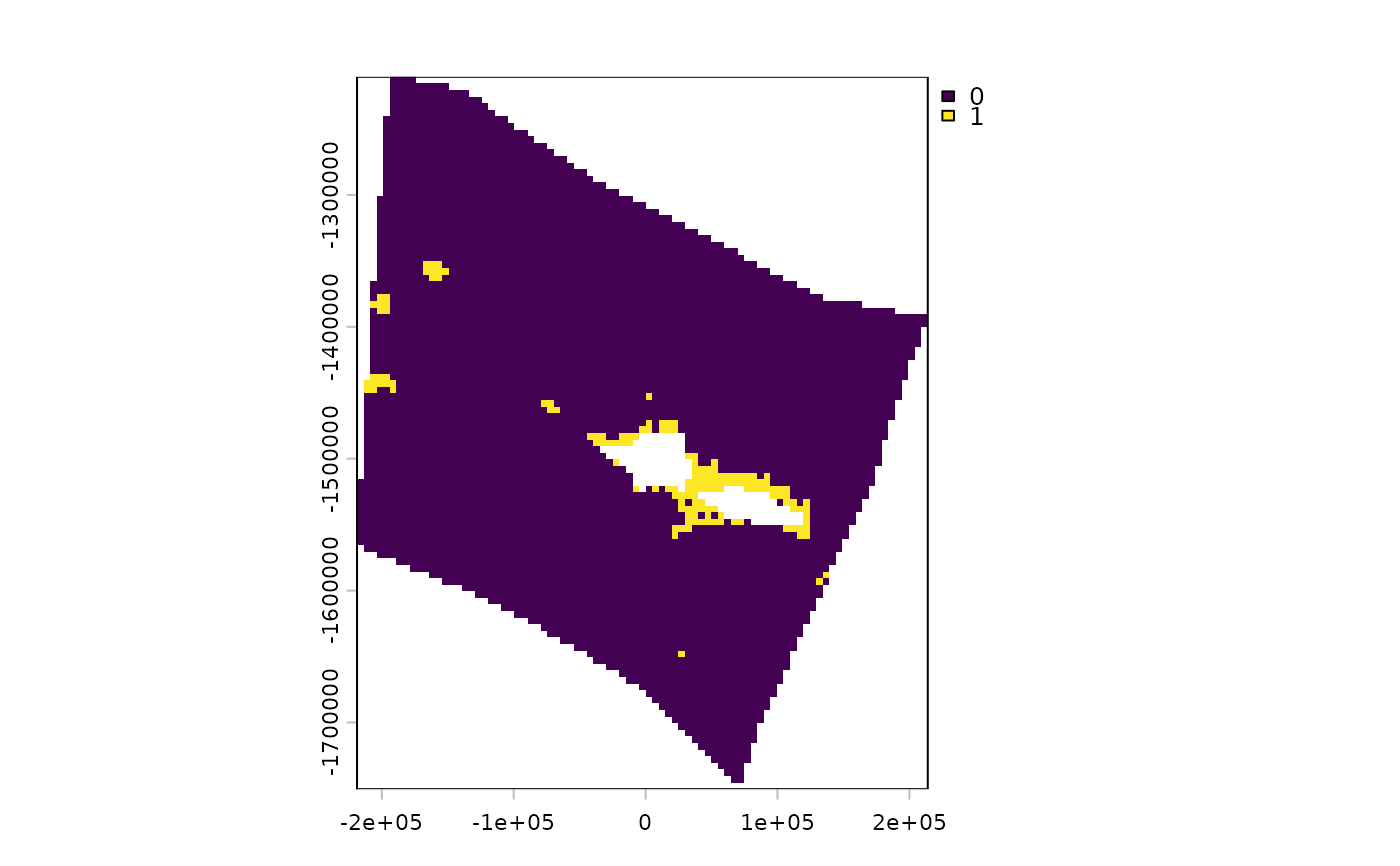
ridges_gridded <- get_data_in_grid(spatial_grid = samoa_grid, dat = ridges)
terra::plot(ridges_gridded)
 #Get some raster data on cold water corals for the same spatial grid
cold_coral <- system.file("extdata", "cold_coral.tif", package = "oceandatrsets") |>
terra::rast()
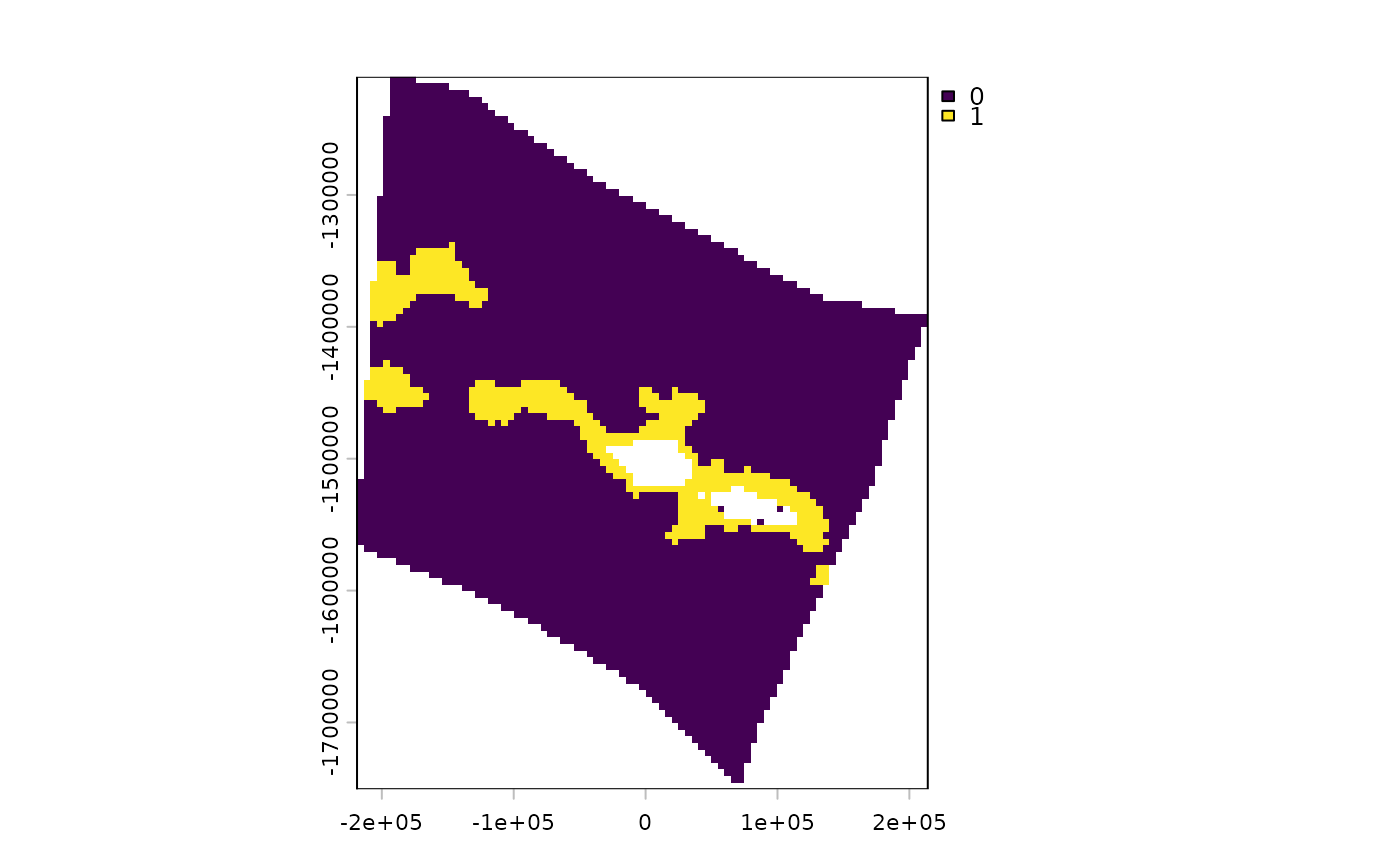
coral_gridded <- get_data_in_grid(spatial_grid = samoa_grid, dat = cold_coral)
terra::plot(coral_gridded)
#Get some raster data on cold water corals for the same spatial grid
cold_coral <- system.file("extdata", "cold_coral.tif", package = "oceandatrsets") |>
terra::rast()
coral_gridded <- get_data_in_grid(spatial_grid = samoa_grid, dat = cold_coral)
terra::plot(coral_gridded)